
I put the AI tools I use for helping local businesses in one place 👉 https://www.pauljames.com/AIToolsTraining
My VLOG Channel 👉 https://www.youtube.com/@UCDy2EJ8d-vrt8XGYEnfht6g
Web Host I Use 👉 https://hostinger.com/pauljames10 Code: PAULJAMES10
Follow on 📸 INSTAGRAM ► https://instagram.com/hellopauljames
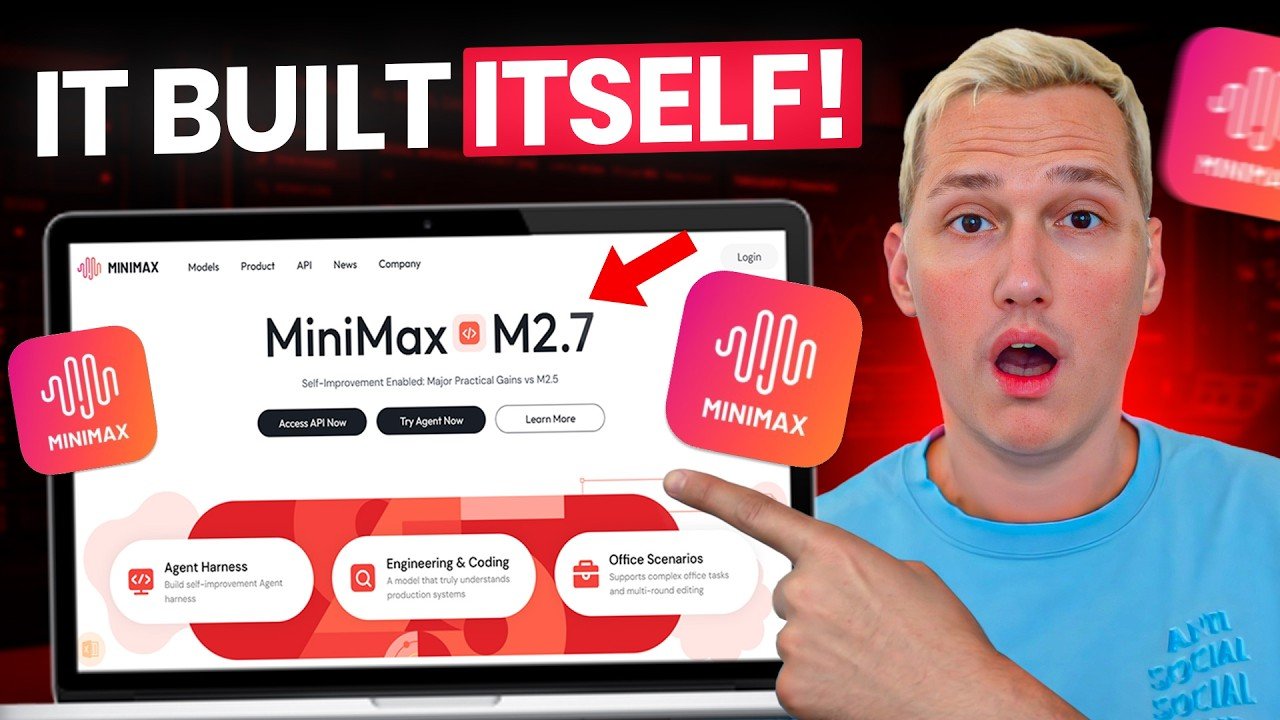
Minimax M2.7 participated in its own training process before it ever reached you — running over 100 self-improvement cycles during development. And right now you can run it inside Zo Computer at no cost.
This is not a standard model release. M2.7 tracked its own research experiments, identified weaknesses in its own reasoning, and generated corrections before launch. The result is a model that arrives sharper on day one. Paired with Zo Computer’s background agent execution, recurring task scheduling, and mobile control, this is one of the most practical free stacks available to solo operators right now.
In this video you’ll learn:
What makes Minimax M2.7’s development process different from a standard model release
The Recursive Leverage Stack framework: how self-iterated intelligence plus free cloud agent execution compounds your output
How Zo Computer works as a desktop agent — plain language instructions, background execution, and live deployment to custom subdomains
How to connect Zo to email, calendars, cloud storage, and social profiles for automated client delivery workflows
How recurring task scheduling turns a single workflow setup into a sustainable solo retainer operation
How to send task instructions to your agent by text message from anywhere
Free access to M2.7 through Zo runs through the end of March. The free plan includes 100GB of storage, custom subdomain deployment, and full integration support. Get your workflow running before pricing changes.
👇 Drop a like and comment below and I’ll reply with the free prompts I use to run this entire workflow.
Timestamps
0:00 – What makes Minimax M2.7 different from a standard model release 1:15 – How the self-improvement training loop actually worked 2:05 – The Recursive Leverage Stack framework explained 3:00 – Zo Computer walkthrough: setup, model selection, and first task 4:00 – Background execution and overnight delivery for client work 4:50 – Platform integrations: email, calendars, cloud storage, and social 5:40 – Built-in data analysis and recurring task scheduling 6:25 – Mobile task control via text message 7:00 – Real-world scenarios: landing page delivery and weekly content workflows 7:50 – Benchmark positioning and free access window details 8:15 – Recap and next steps
#MinimaxM27 #ZoComputer #RecursiveLeverageStack #AIAgents #FreelanceAI #AITools #SoloConsultant #AIAutomation #FreelanceTips #AIForFreelancers #FreeAITools #CloudAgent #DigitalFreelancer #BuildWithAI #NoCode